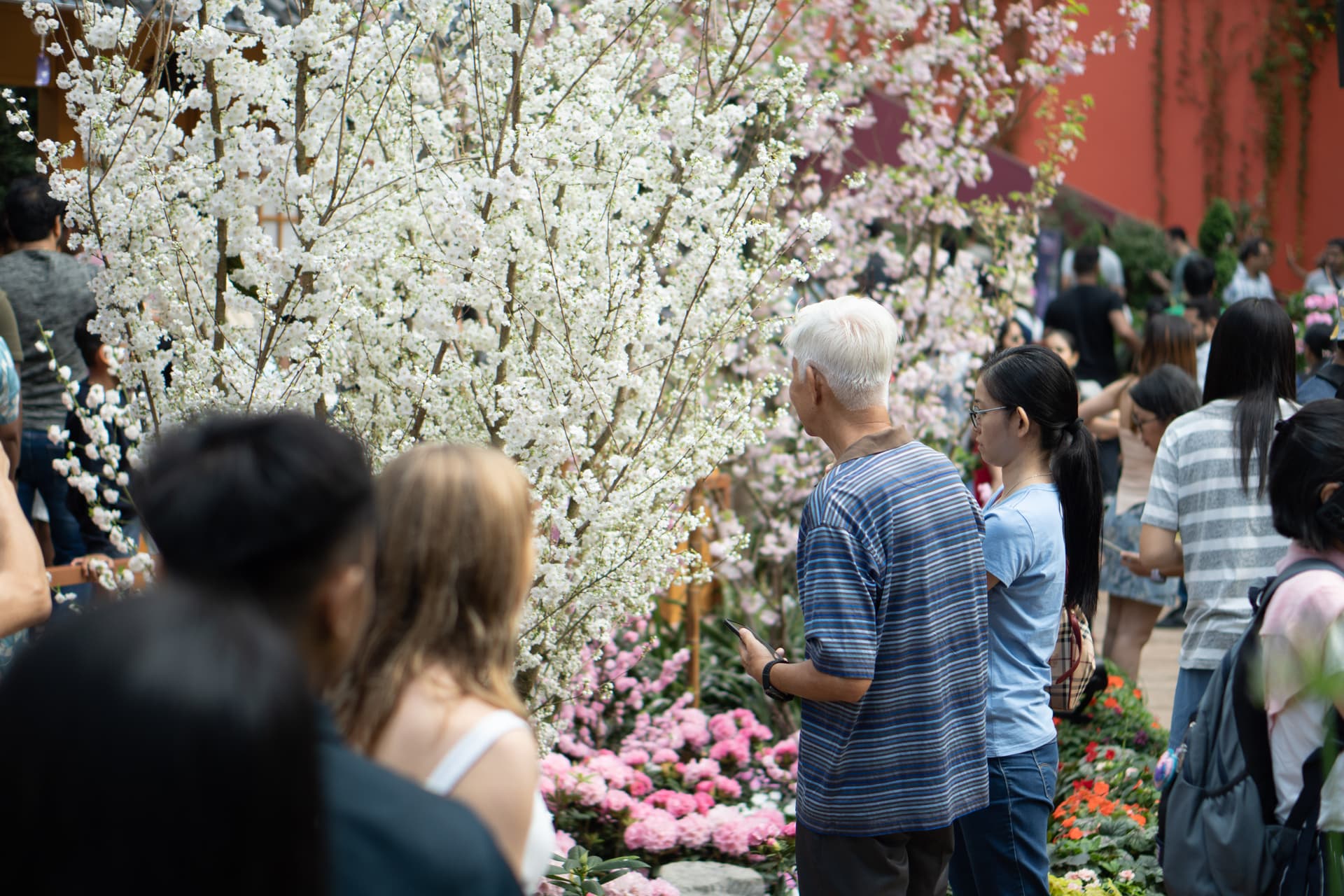
I’d wanted a personal space to write my thoughts, showcase my portfolio, and share my (many, hi-res, stunning) photos for a long time. But life happened, and this site kept slipping to the bottom of my priority list. One day, I finally decided to just make it happen—and now here we are!
The Stack
My main requirements were simple: write blogs, display my portfolio, and create a photo album. For the blog and portfolio, I chose MDX. I wanted an easy way to write without setting up a full-fledged CMS. MDX gave me something simple yet powerful—I can write text or even add React components if I want (pretty neat, huh?).
For the photo album, I wanted to store unlimited hi-res RAW photos while still being able to preview them quickly. I also wanted to see photo metadata like camera, aperture, shutter speed, lens, etc. That meant I needed affordable, reliable cloud storage and a database for the albums and metadata. I went with AWS S3 for photo storage and PostgreSQL for the database. Now, I can upload RAW files (like .raw, .arw) or JPEGs, and my backend generates four image sizes: thumbnail, small, medium, and large. The large version is only about 120 KB, so loading is fast.
For deployment, I had some VPS with Docker already set up. I configured an automated pipeline on GitLab that builds a Docker image whenever there’s a push to the main branch and uploads it to GitLab’s private registry. The pipeline then connects to my VPS via SSH to trigger a restart.
Image Pipeline
The goal is to ingest RAW and JPEG files, generate four sizes of webp images for fast web previews, and extract EXIF metadata to save in the database. For RAW previews, I use darktable-cli to convert RAW files to JPEG. To convert JPEGs to webp, I use the sharp package. For EXIF data, I rely on the exif package. Since this pipeline takes time to process, I set it up as a background job with bullmq and a Redis backend. Here’s how it works:
- User uploads RAW or JPEG images to an album. The files are saved temporarily on disk.
- A task is added to the queue to process the image.
- The worker picks up the task and starts processing.
- If the original file is RAW, it’s converted to JPEG using darktable-cli.
- The JPEG is converted to webp using sharp, generating four image sizes.
- Originals and previews are uploaded to S3.
- The temporary files are deleted.
- Done!
What’s next?
This site is far from done. Here’s what I’m planning to do next (hopefully I’ll have the time):
- Improve Core Web Vitals to make the site blazing fast!
- Create more posts so the blog doesn’t feel lonely.
- Add a dark mode toggle.
- Improve accessibility (a11y).
- Build an admin uploader with drag-and-drop, progress bars, and retry for failed jobs. (Right now, I still upload photos manually via Bruno, lol!)
- Add observability features: queue metrics dashboard, logs, and traces.
- Open-source the gallery with an image pipeline.
Do you have any ideas? Feel free to send them my way!